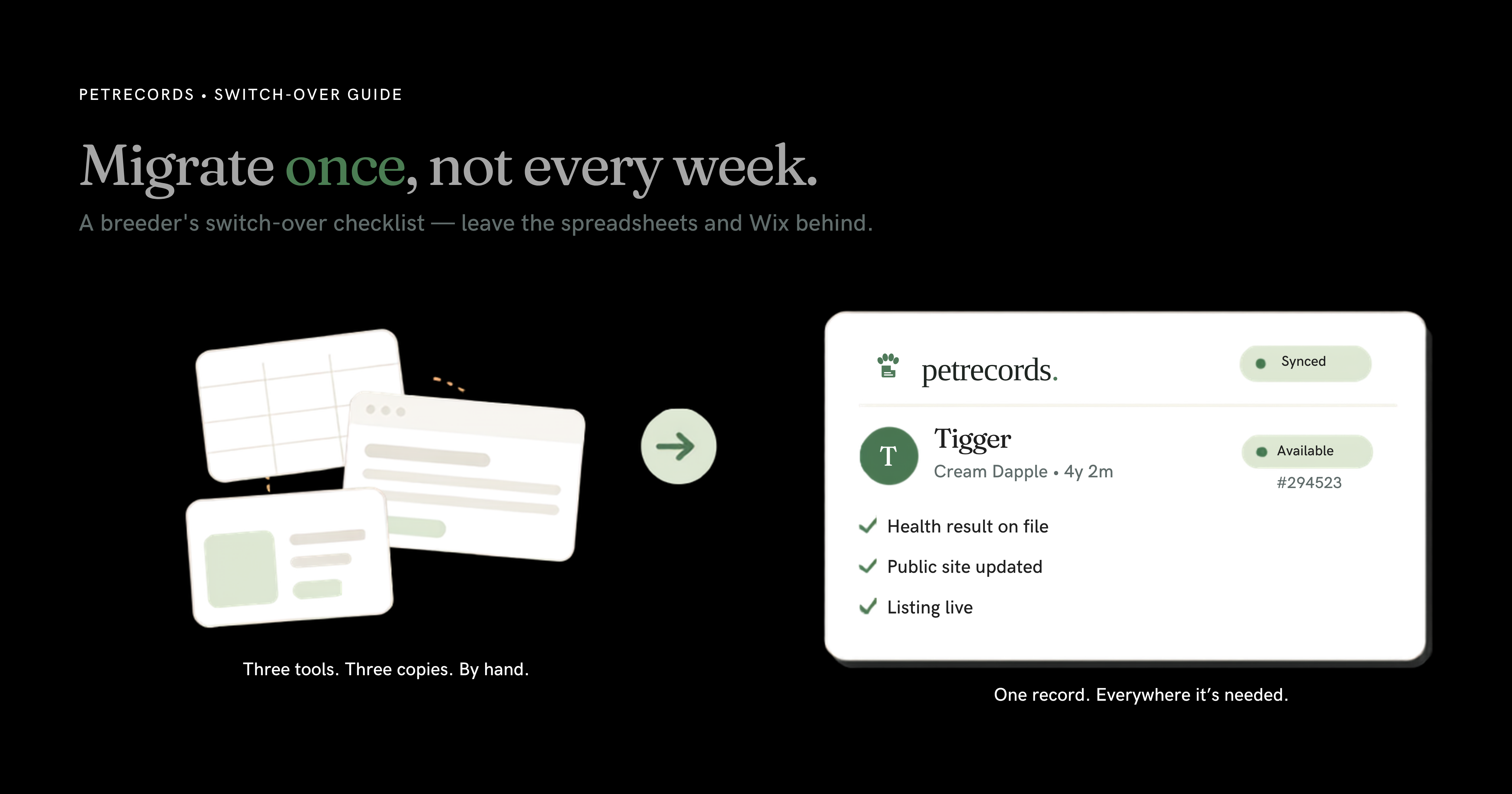
You've thought about leaving the spreadsheets. Maybe the Pet Records tab has been open in your browser for a month. What's stopped you isn't doubt that it's better — it's the dread of moving. Years of litters in one sheet, a Wix site you finally got looking right, a listing page living somewhere else, and the very real worry of losing a record or a hard-won Google ranking in the shuffle.
Here's the honest version: the switch is one weekend of focused work, and you do it once. After that, you stop re-typing the same dog into five places every week. This is the checklist — in the order that won't bite you — for getting your records out clean, salvaging what Wix lets you take, and landing everything in one place where it finally talks to itself.
Why migrating once beats migrating every week
Worth naming what you're doing right now: you're already migrating data. Constantly. By hand. A health result comes back, and you update the spreadsheet, then the dog's page on the site, then the listing — three copies of one fact, kept in sync by you, on your time. Miss one and they quietly disagree. That's the copy-paste tax, and you pay it every week.
The one-time migration ends it. The whole point of one place is that a record lives once and shows up everywhere it's needed — records, listings, registry, and your public site all reading from the same data. You move everything over a single weekend so you never move it by hand again.
Before you export anything
Five minutes of prep here saves you a weekend of regret later.
- Don't cancel anything yet. Keep Wix and your spreadsheets live until the new setup is verified. Migrations go wrong when you burn the boat before you've reached the shore.
- Take a snapshot. Download a dated copy of every spreadsheet exactly as it sits today. Save or screenshot every Wix page — you'll want them as a reference when you rebuild.
- Inventory what you've actually got. Dogs (active and retired), litters, health and test results, contracts, buyer and waitlist contacts, and the list of public pages with their URLs.
- Pick a cutoff. You don't have to bring twelve years of history on day one. Bring your active dogs, your current and upcoming litters, and your live listings first. History can fill in behind you.
Step 1 — Pull your records out of the spreadsheet
Export each tab to its own CSV: one file for dogs, one for litters, one for health records, one for contacts. Clean as you go, because spreadsheets hide rot you've stopped seeing — the same dog spelled three ways, blank cells where a date should be, "N/A" mixed in with empties, two date formats fighting in one column.
One gotcha eats breeders alive: long ID numbers. Excel and Google Sheets love to mangle microchip and registration numbers — stripping the leading zeros, or flipping a 15-digit chip into something like 9.0021E+14. Before you export, format those columns as text, then spot-check that every chip and registration number came through whole. A wrong chip number is worse than a missing one.
Standardize while you're in there: one date format (YYYY-MM-DD travels best), one row per dog, one row per litter. The cleaner the CSV, the smoother everything downstream.
Step 2 — Get what you can out of Wix (and accept what you can't)
A reality check first, straight from Wix's own help center: Wix is a closed platform. Your site runs on Wix's servers and can't be lifted off and hosted somewhere else, because it's built on their proprietary technology. So you aren't "moving" your site. You're rebuilding it and taking your content with you.
What you can take: Wix lets you export CMS Collection content and Store products as CSV, and your blog posts can be exported too. Pull all of it.
What to watch: exported times come out in UTC, and Wix CSVs sometimes carry stray HTML characters and encoding quirks. Open every export, eyeball it, and clean it before it goes anywhere. What you can't take is the layout itself — and that's fine. Rebuilding a site you'll never hand-maintain again is the upgrade, not the loss.
Step 3 — Import in the order that won't bite you
Records point at each other, so order matters. Import parents before their puppies, dogs before the litters that reference them, contacts before the listings that assign them. Get this backwards and you'll spend the night untangling links that point at nothing.
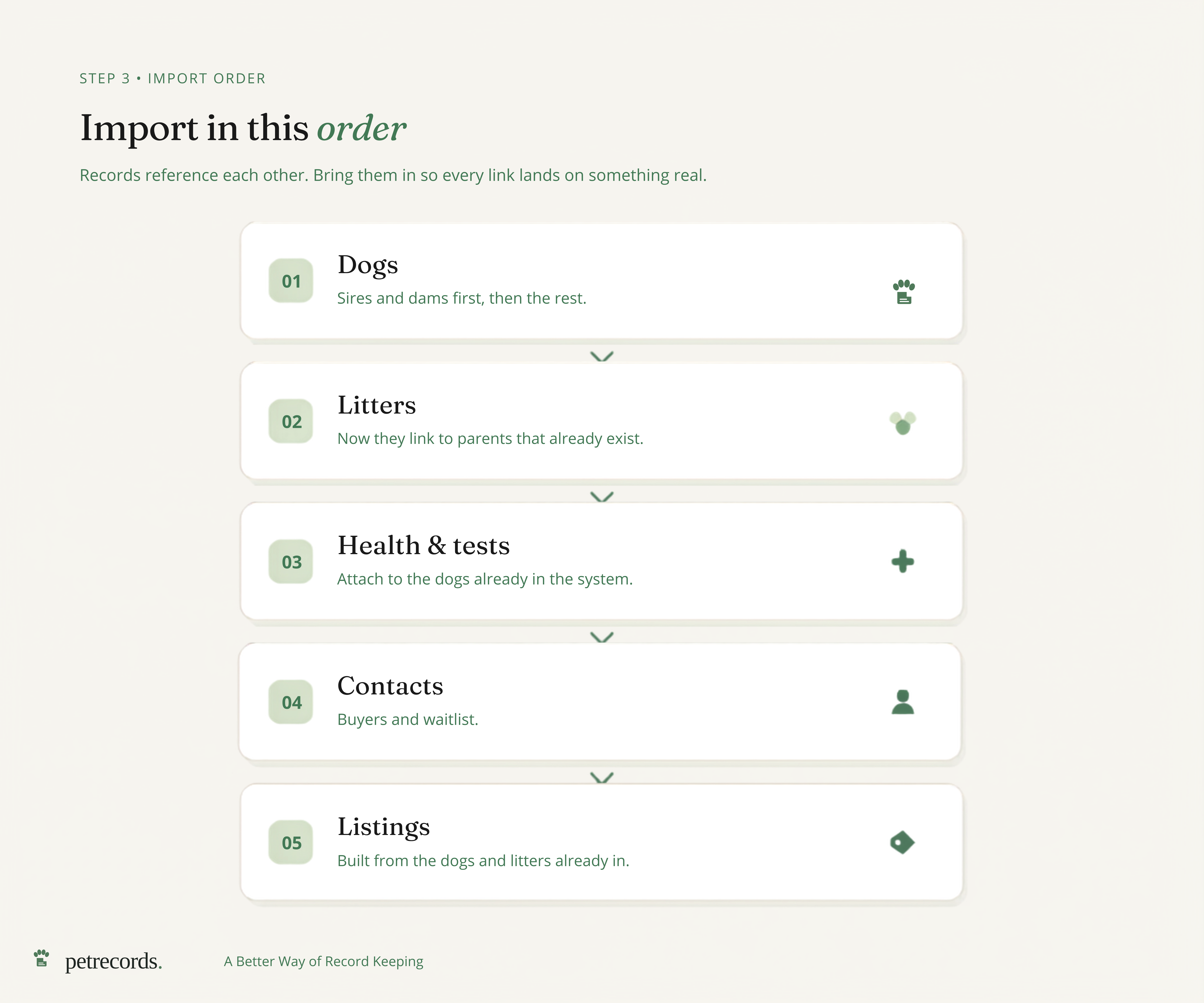
The order that works:
- Dogs — sires and dams first, then everyone else.
- Litters — now they can link to parents that already exist.
- Health and test results — attached to the dogs that are already in.
- Buyer and waitlist contacts.
- Listings — built from the dogs and litters already in the system.
Run it top to bottom and every reference lands on something real.
Step 4 — Rebuild the public site once, then stop touching it
This is the step that pays for the whole move. On Wix, your website was a third copy of everything — updated by hand, always one edit behind your records. In one place, the public site is just a view of the records you already keep. You build the pages once. After that, a new litter, a new title, a health result, a "sold" tag — you log it once and the site shows it. No re-typing, no nagging "did I update the website?"
Before you flip the switch, set up redirects: map your old Wix URLs to the matching new pages. That's how you keep the rankings you earned and avoid dropping a buyer on a 404 because they bookmarked your old litter page. The fear of losing your SEO is real; the fix is routine.
Step 5 — Run both in parallel, verify, then cut the cord
Don't point your domain and cancel Wix in the same hour. Run the new setup alongside the old for a few days and check it cold.
Verify in this order, scariest records first:
- Every chip and registration number is correct — this is where a mistake actually costs you.
- Health and test results sit on the right dogs.
- Litters link to the right parents.
- Listings show the right status — available, reserved, sold.
- Contact and waitlist info came through intact.
- Your important old URLs redirect to the right new pages.
When it all checks out, point your domain, confirm the site resolves, and only then archive the spreadsheets and cancel Wix. Keep that dated spreadsheet snapshot forever. It costs you nothing and it's your seatbelt.
The switch-over checklist
Print this. Work it top to bottom.
- [ ] Snapshot every spreadsheet and Wix page — don't cancel anything yet
- [ ] Inventory dogs, litters, health records, contracts, contacts, and page URLs
- [ ] Pick a cutoff — active dogs and current litters first, history later
- [ ] Export each spreadsheet tab to its own CSV
- [ ] Format chip and registration columns as text; verify every number survived
- [ ] Standardize dates (
YYYY-MM-DD) and one row per record - [ ] Export Wix CMS collections, store products, and blog posts to CSV
- [ ] Clean Wix exports for UTC times and stray characters
- [ ] Import in order: dogs → litters → health → contacts → listings
- [ ] Rebuild public pages once; set up redirects from old Wix URLs
- [ ] Run old and new side by side; verify chip/reg numbers and links
- [ ] Point the domain, confirm it resolves, then archive sheets and cancel Wix
What Monday looks like after
One login. A health result comes back and you log it once — and it's on the dog, on the listing, in the registry, and on your public site, because it's all the same record. The copy-paste tax is gone. Bringing your records in doesn't cost you, and a registration follows the dog family to family, forever. You got your weekend back, and every weekend after it.
The history can keep filling in behind you. The point is to stop doing by hand what should happen once.
Ready when you are. Start your kennel — bring your active dogs and your next litter first, and let the rest follow.